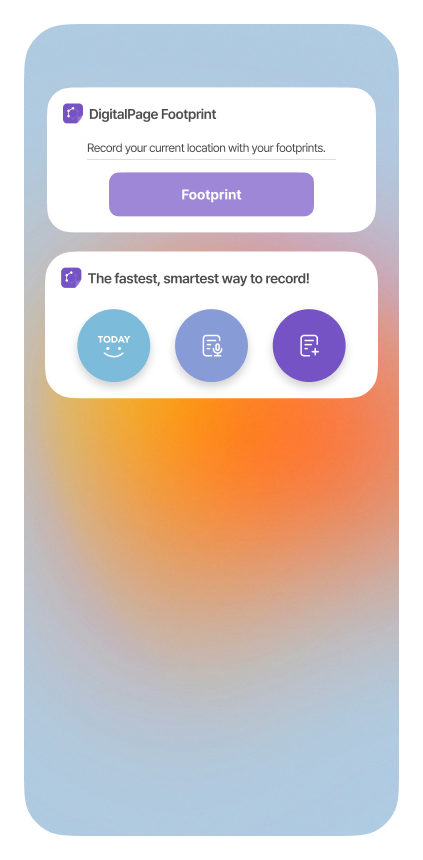
Use DigitalPage’s Footprint widget to record your current location. Here’s how.
Add the Footprint widget on your device.
Press the “Footprint” button at the location you want to record. If you want to record details about the location, click on the top name part of the widget to open DigitalPage.
Add the Quick Page Creation widget to quickly create a Today’s Page, Voice Page, or Regular Page.